 FPS
FPS THE LAST OF US PART I FPS VAULT OVERLAY
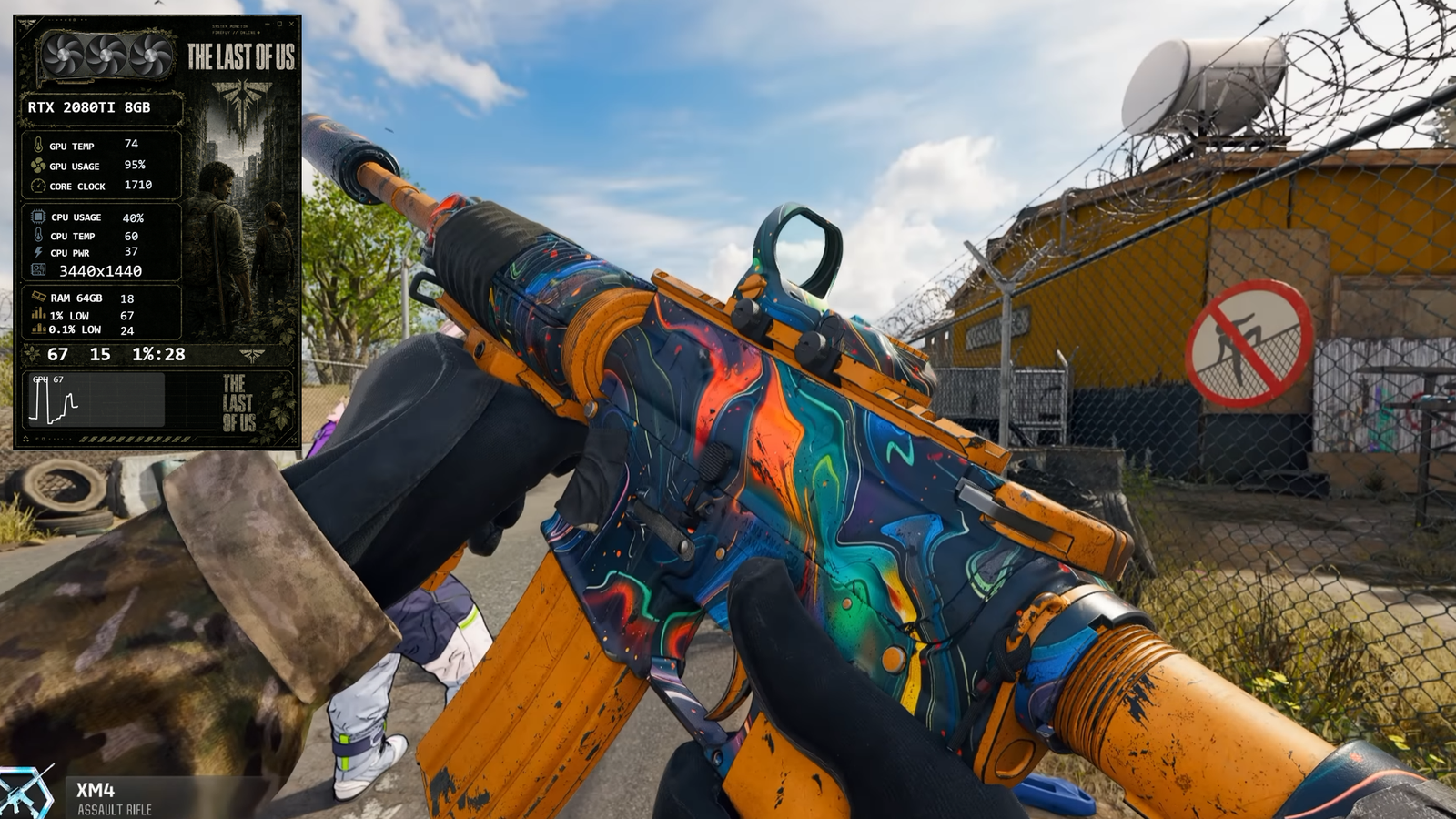
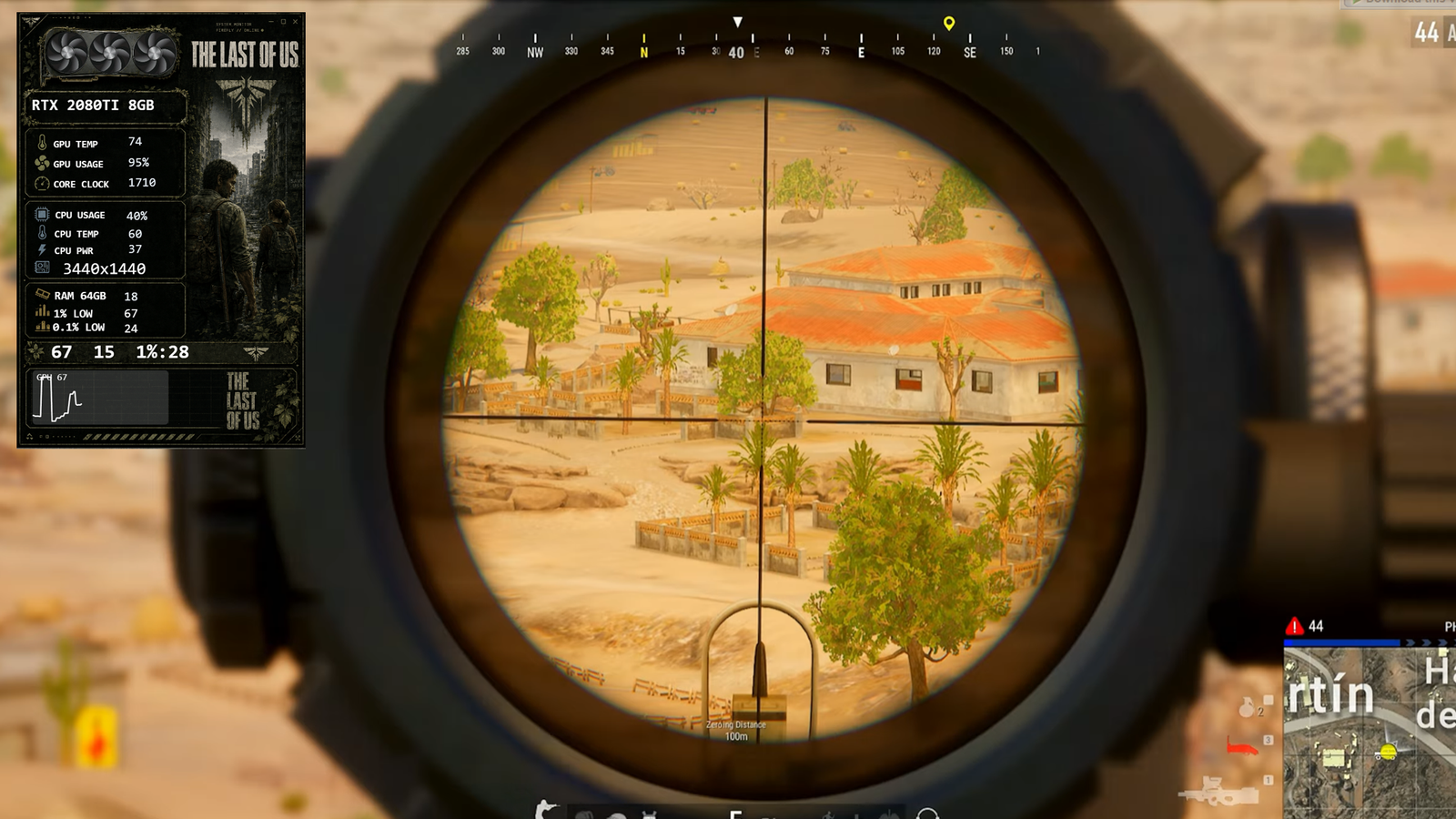
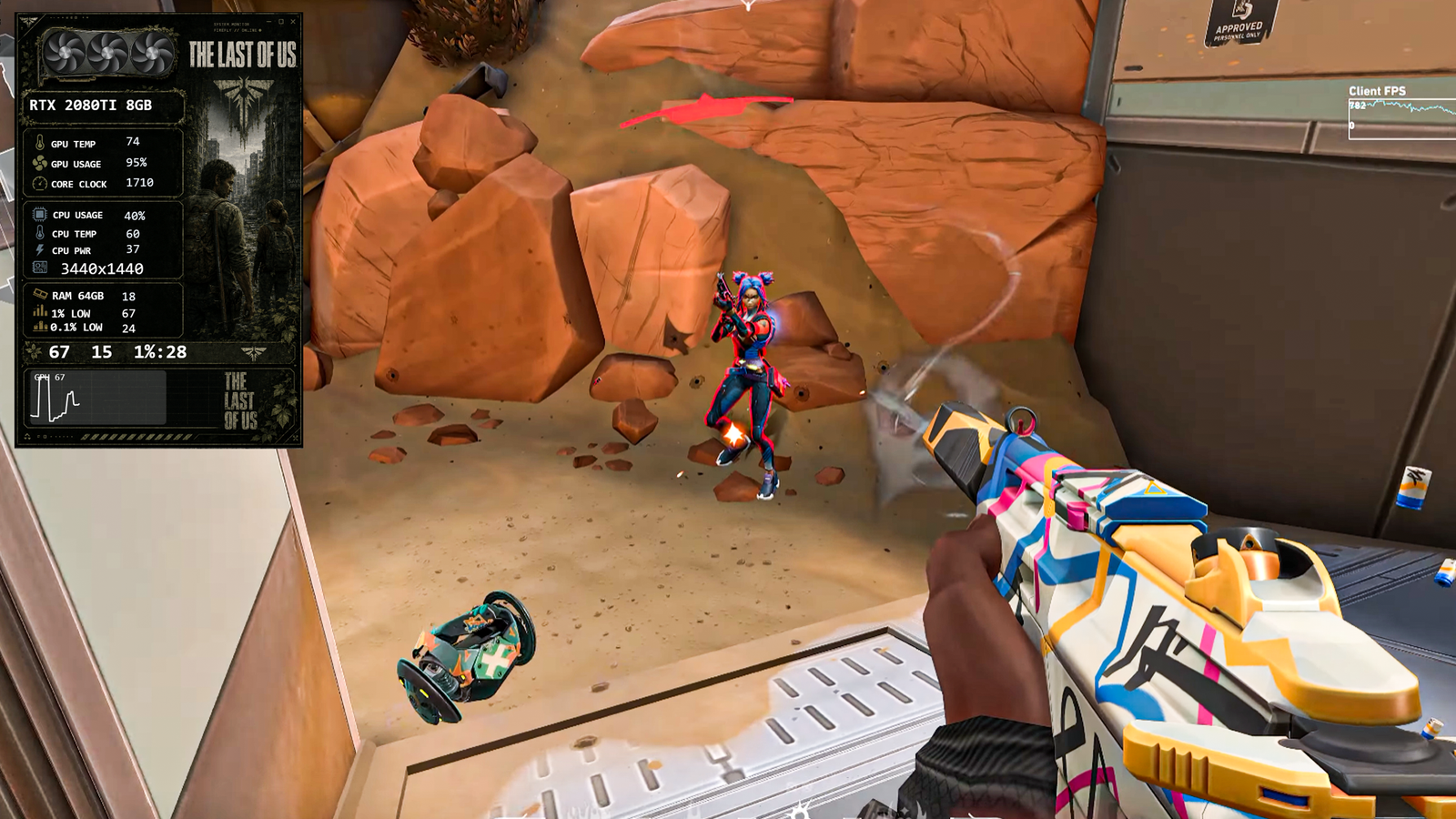
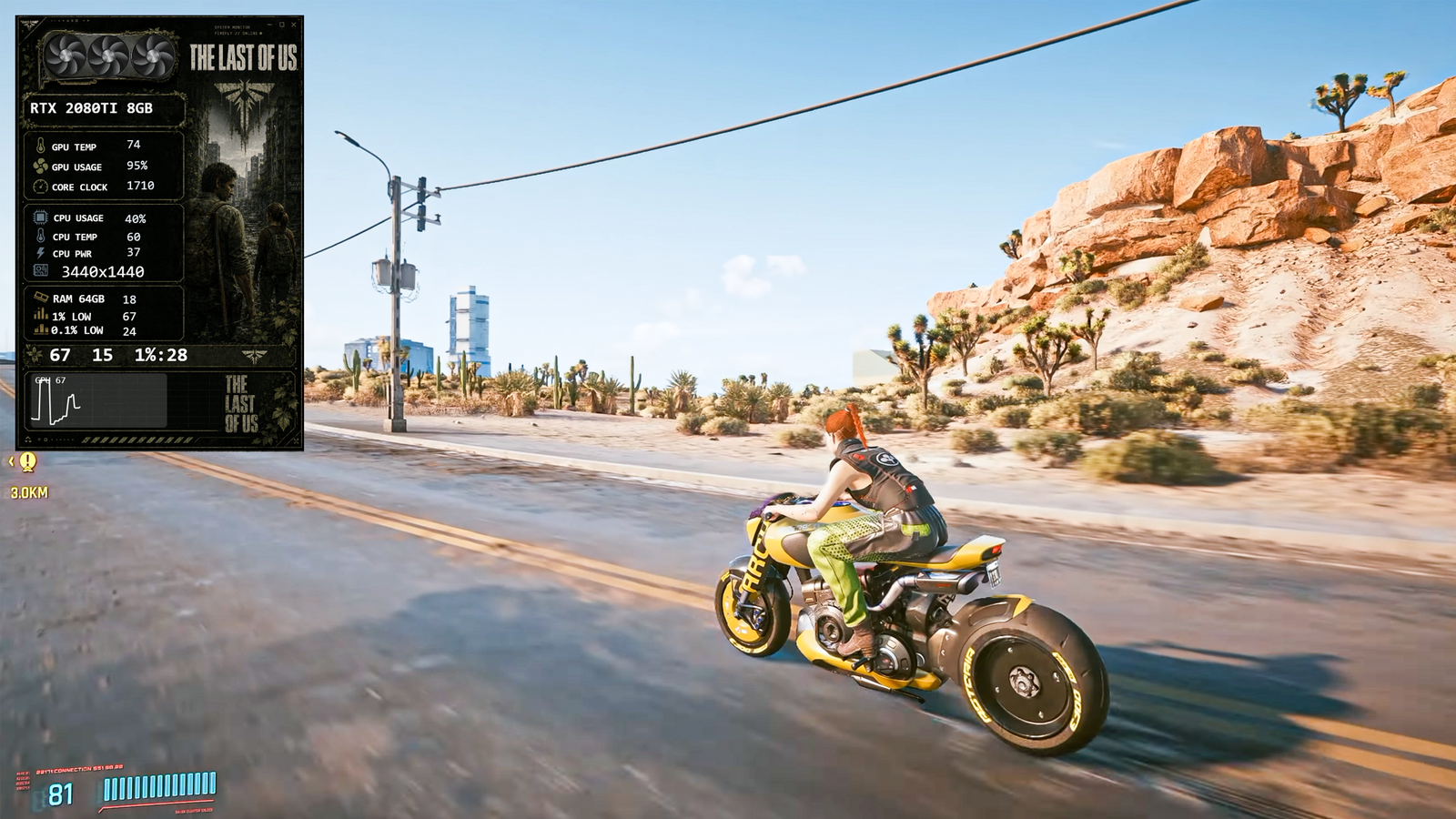
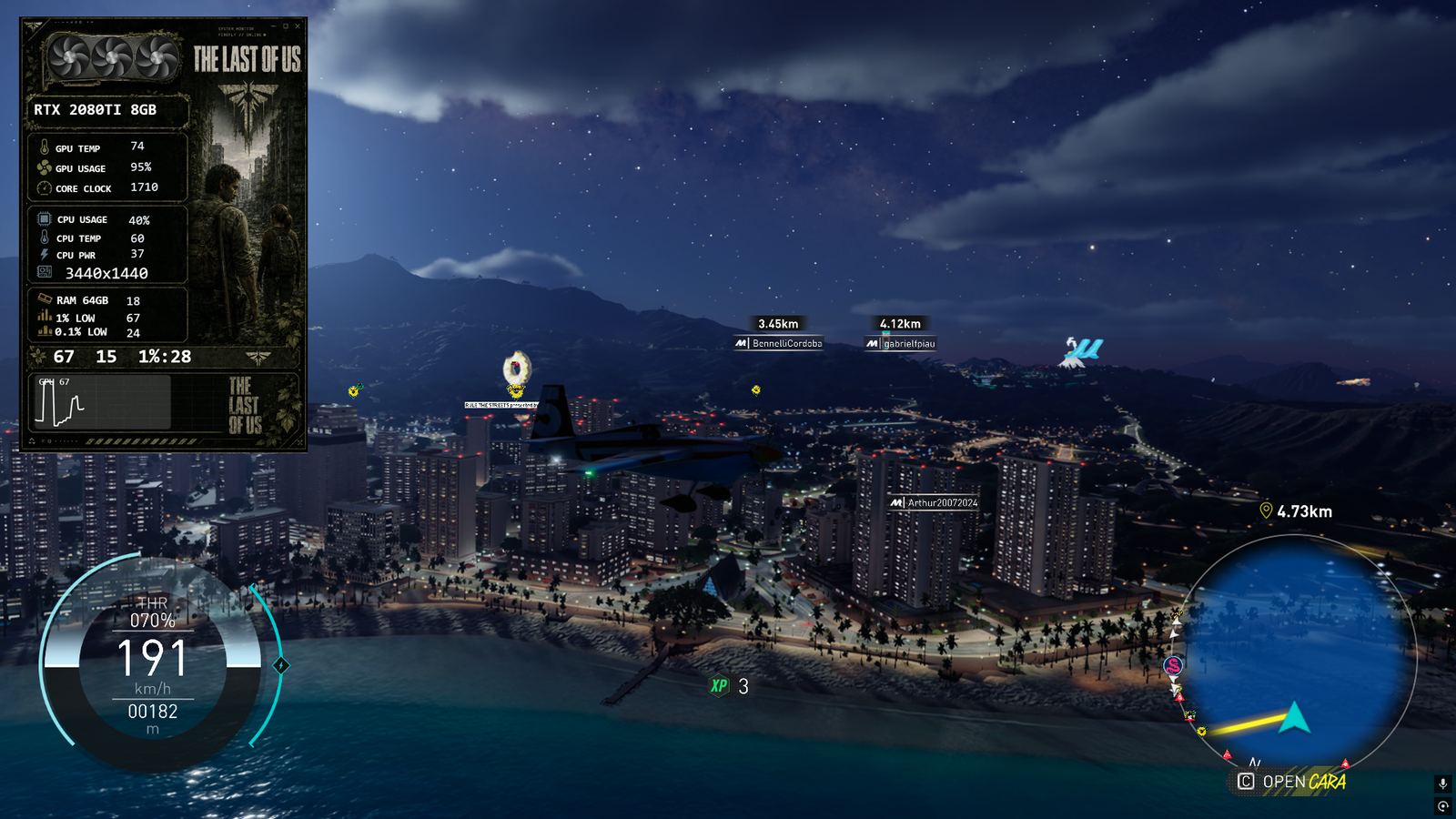
Overlay templates are fully free to use after sign up — no payment, ever.
Category: New GPU: Nvidia + AMD CPU: Intel + AMD The Last of Us Part I
The Last of Us Overlay
FPS Vault Overlay
Gaming Overlay
Stream Overlay
The Last of Us Theme
TLOU
TLOU Part 1
FPS Counter
Custom Overlay
PC Gaming
RTX Overlay
GPU Stats Overlay
Streamer Assets
Gaming UI
Performance Monitor
The Last of Us Fan Art
Gaming Setup
OBS Overlay
Gamer Theme
Post Apocalyptic Theme
FPS Vault
Gaming Customization
The Last of Us Insp
Description
Bring the post-apocalyptic world of The Last of Us Part I to your setup with this custom FPS Vault Overlay. Designed with a gritty, abandoned-theme aesthetic inspired by the game, this overlay features editable channel names, customizable stats, and automatic GPU detection. Perfect for streamers, gamers, and The Last of Us fans who want a unique and immersive performance overlay for their videos and live streams.
Guide
How to Install
Run FPS Vault on your PC.
Go to the Main Dashboard.
Click on the Download Overlay button.
Find the THE LAST OF US PART I FPS VAULT OVERLAY in the overlays section.
Click once on the overlay, and it will be downloaded automatically.
Just one click and your overlay is ready to use!
Run FPS Vault on your PC.
Go to the Main Dashboard.
Click on the Download Overlay button.
Find the THE LAST OF US PART I FPS VAULT OVERLAY in the overlays section.
Click once on the overlay, and it will be downloaded automatically.
Just one click and your overlay is ready to use!
Setup Guide
1. Install FPS Vault
Download the latest version from the home page and run the installer.
2. Download this overlay template
Use the download button above (free after sign up).
3. Import & customize
Load the overlay file inside FPS Vault, then tweak fonts, colours and sensors to taste.
Reviews
No reviews yet. Be the first!