 FPS
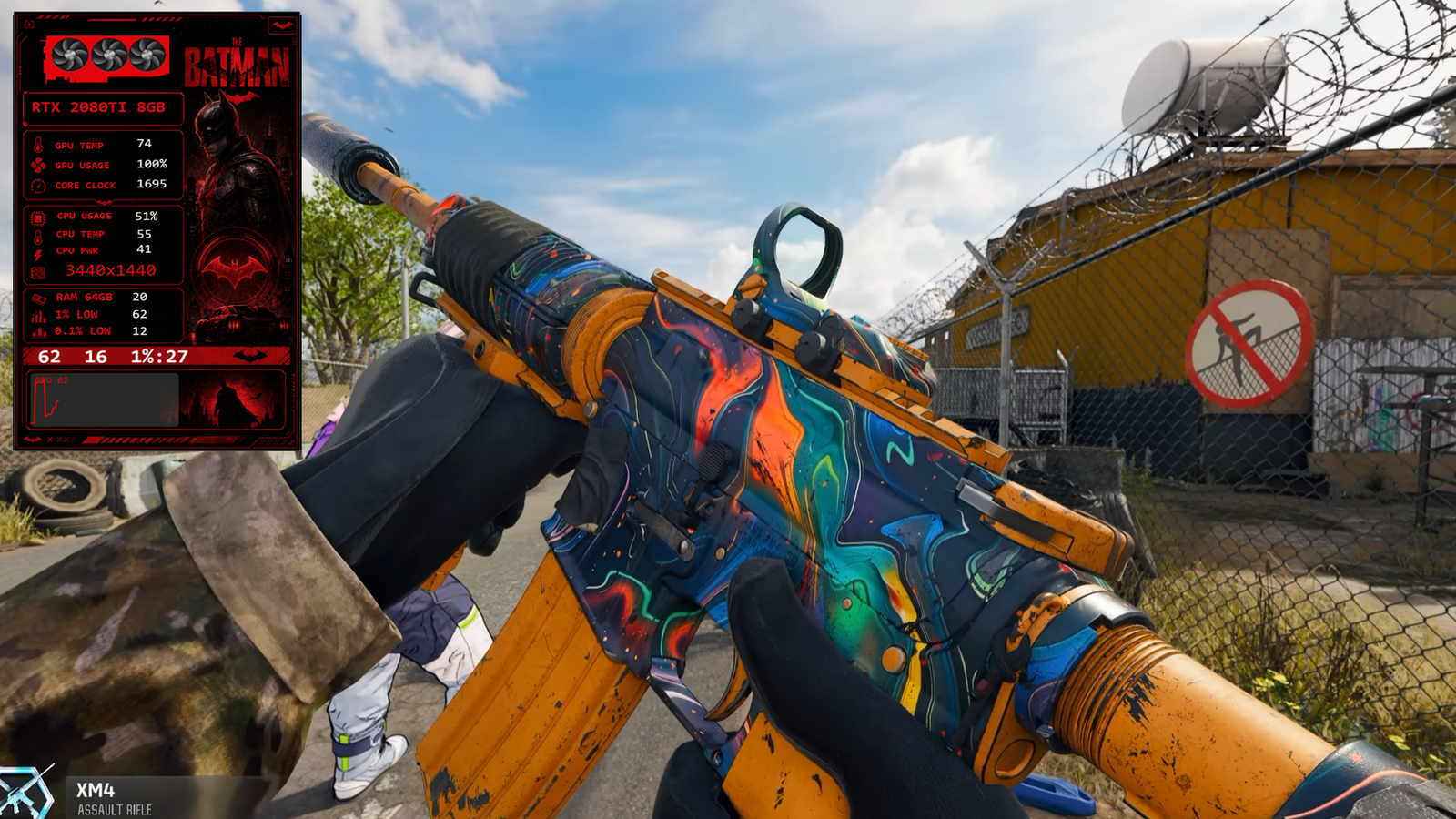
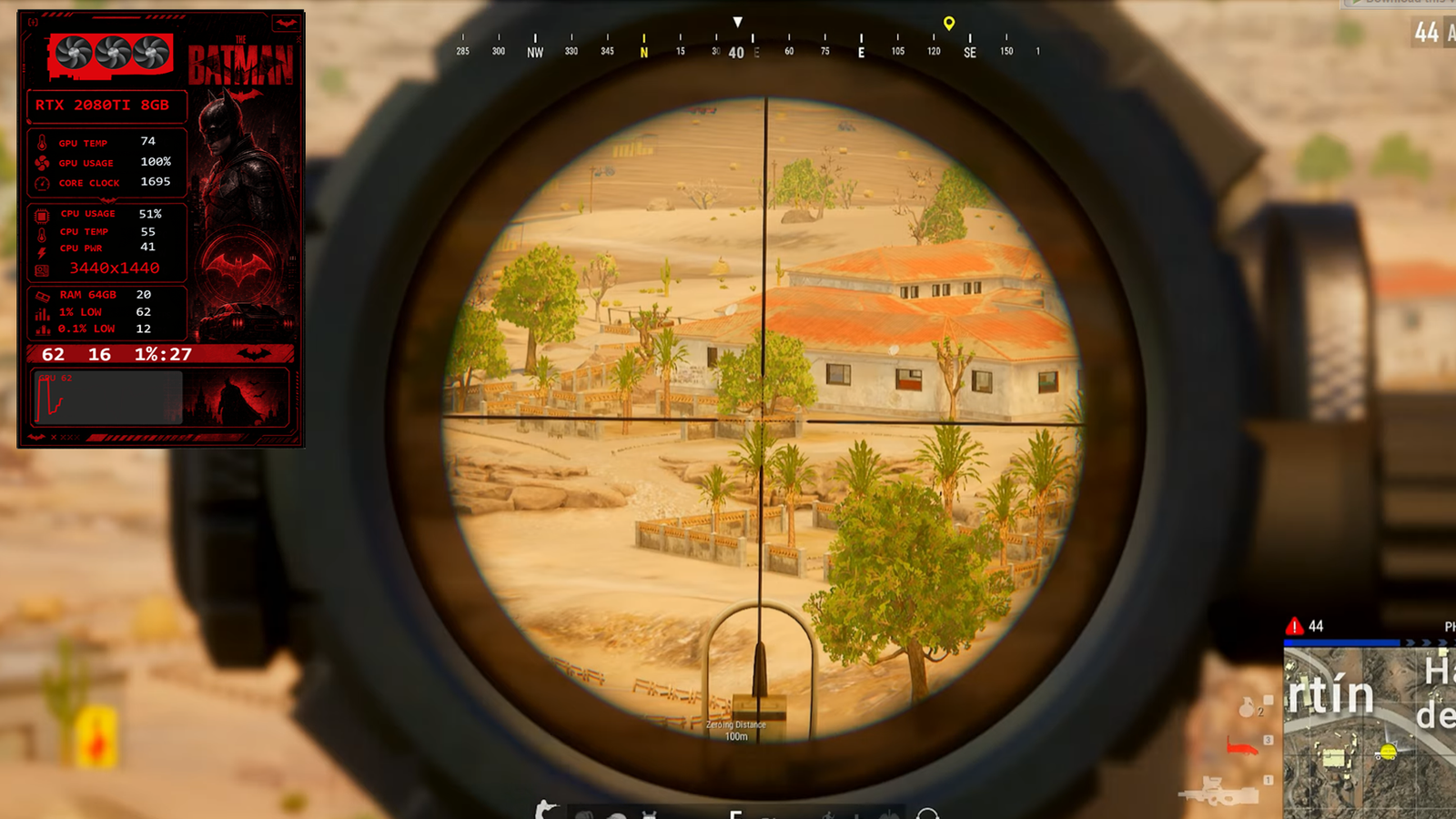
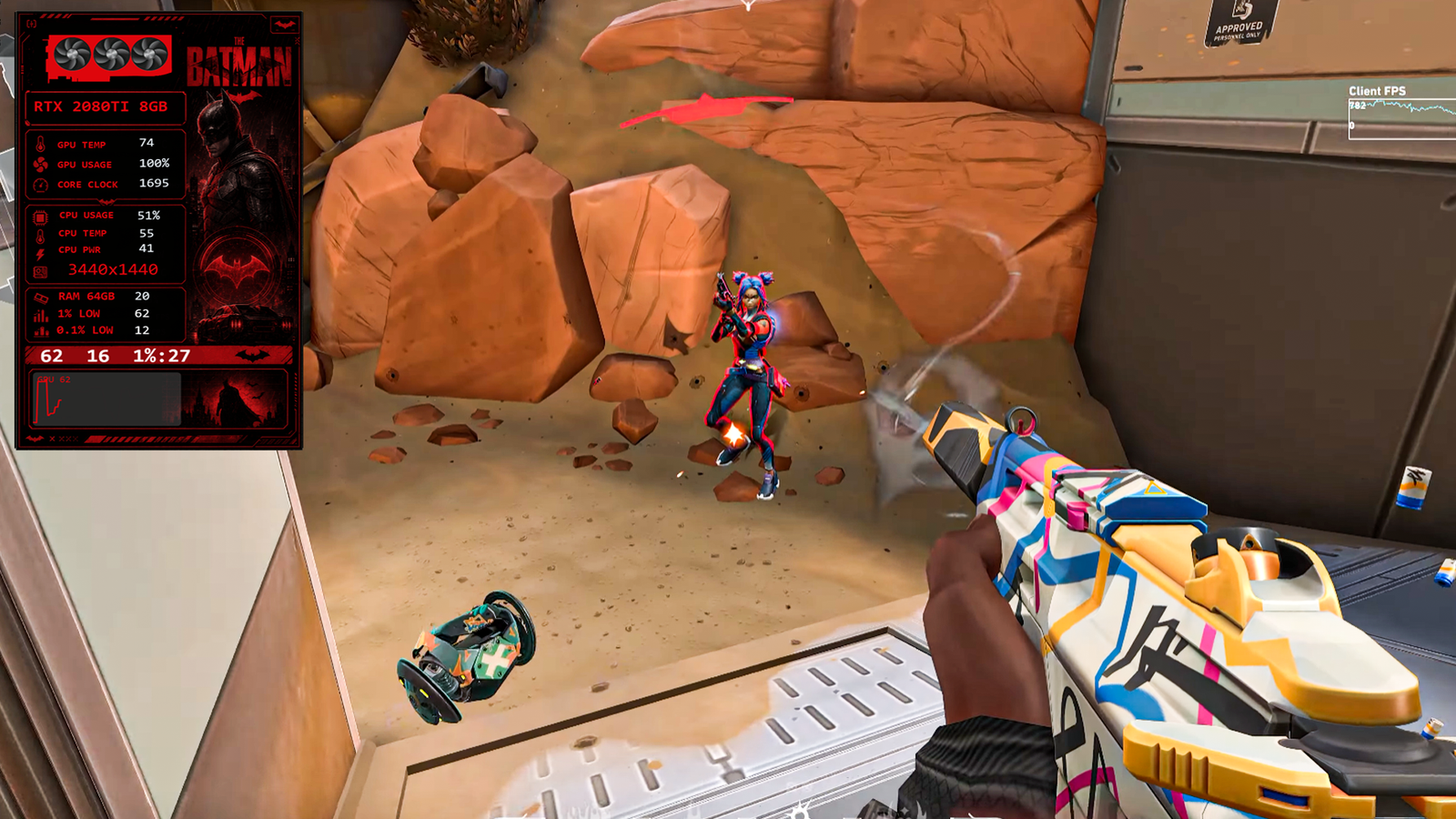
FPS Batman Gaming Overlay | Animated GPU Fan For FPS Vault
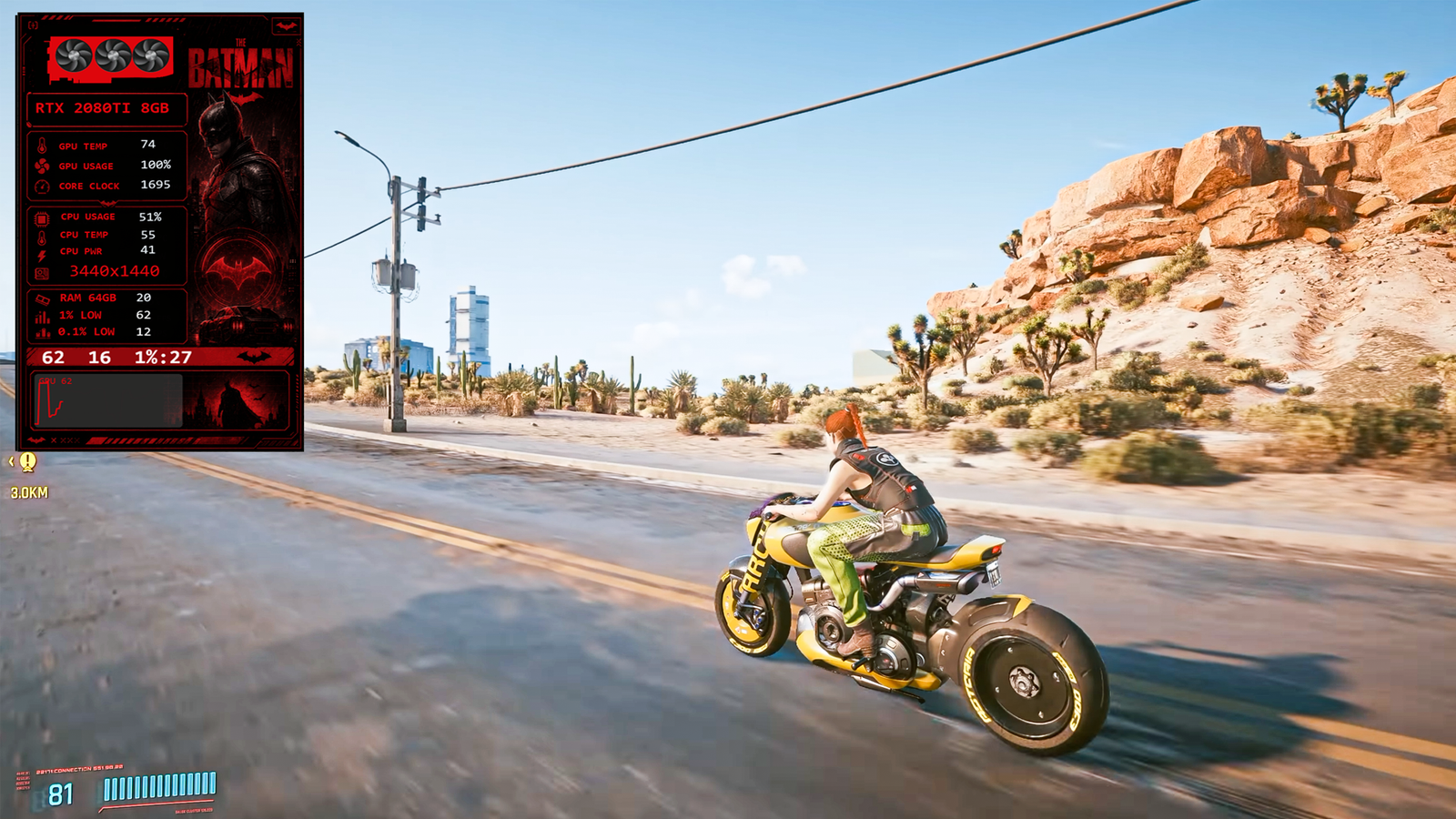
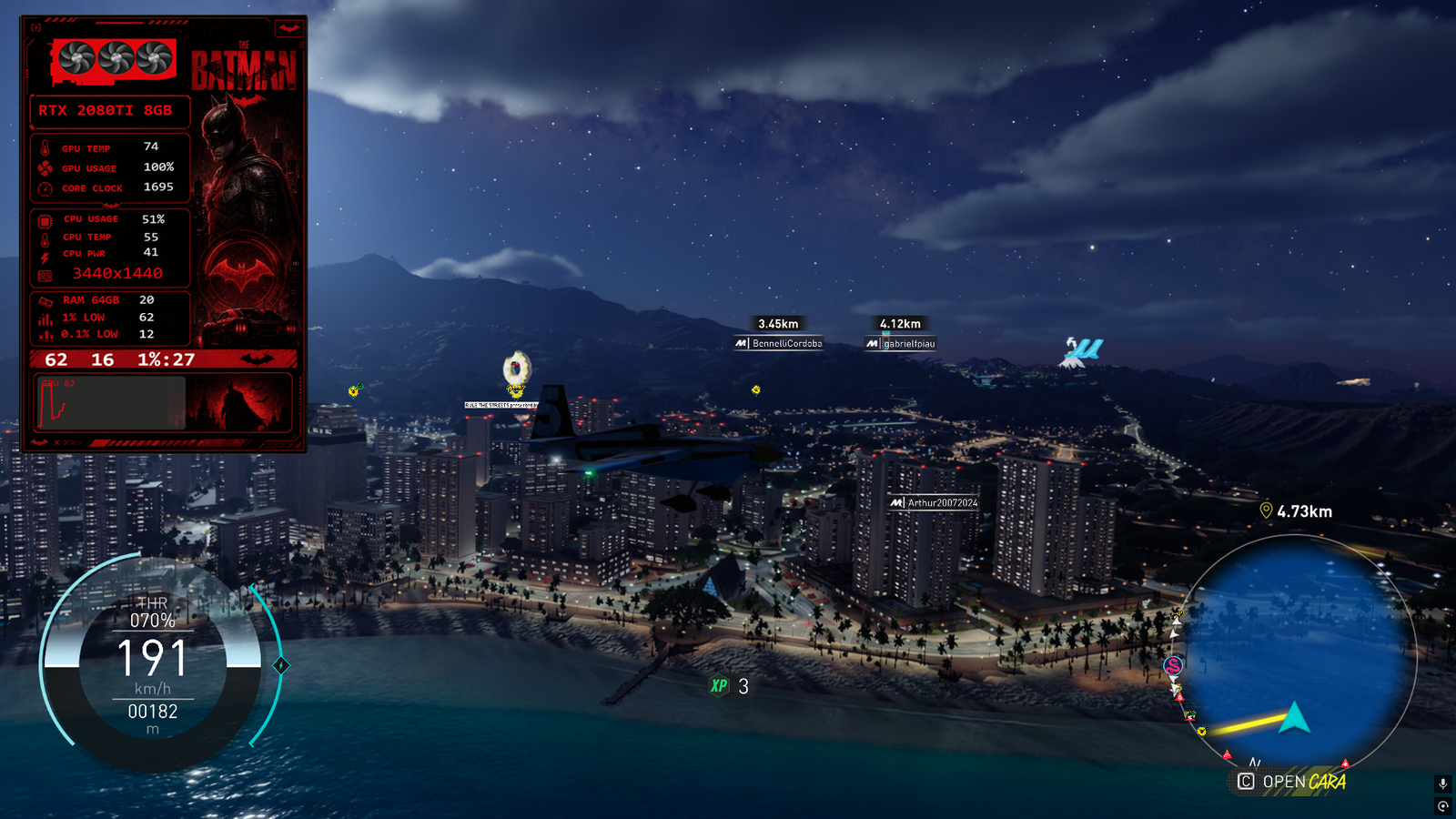
Overlay templates are fully free to use after sign up — no payment, ever.
Category: New GPU: Nvidia + AMD CPU: Intel + AMD Batman
Batman Overlay
Batman FPS Vault
FPS Overlay
GPU Fan Animation
Rotating Fan
Gaming Overlay
Batman Theme
Animated Overlay
Desktop Customization
Gamer Setup
Stream Overlay
PC Customization
Live Wallpaper
Gaming Wallpaper
Batman Desktop
Superhero Theme
RGB Setup
Gaming Aesthetic
PC Animation
DC Comics
Batman Fan Art
Tech Overlay
FPS Counter
Custom Desktop Theme.
Description
Transform your desktop with this amazing Batman FPS Vault Overlay featuring a rotating GPU fan animation. Designed for Batman fans and gamers, this overlay gives your setup a futuristic and powerful look. The animated GPU fan adds a realistic touch, making it perfect for gaming streams, wallpapers, and custom desktop themes.
🦇 Features:
✔ Batman-themed FPS Vault Overlay
✔ Rotating GPU Fan Animation
✔ High-Quality Visual Effects
✔ Perfect for Gamers & Streamers
✔ Stylish and Futuristic Design
🦇 Features:
✔ Batman-themed FPS Vault Overlay
✔ Rotating GPU Fan Animation
✔ High-Quality Visual Effects
✔ Perfect for Gamers & Streamers
✔ Stylish and Futuristic Design
Guide
How to Install
Run FPS Vault on your PC.
Go to the Main Dashboard.
Click on the Download Overlay button.
Find the Labubu Pink Overlay With Rotating FAN GPU in the overlays section.
Click once on the overlay, and it will be downloaded automatically.
Just one click and your overlay is ready to use!
Run FPS Vault on your PC.
Go to the Main Dashboard.
Click on the Download Overlay button.
Find the Labubu Pink Overlay With Rotating FAN GPU in the overlays section.
Click once on the overlay, and it will be downloaded automatically.
Just one click and your overlay is ready to use!
Setup Guide
1. Install FPS Vault
Download the latest version from the home page and run the installer.
2. Download this overlay template
Use the download button above (free after sign up).
3. Import & customize
Load the overlay file inside FPS Vault, then tweak fonts, colours and sensors to taste.
Reviews
No reviews yet. Be the first!